
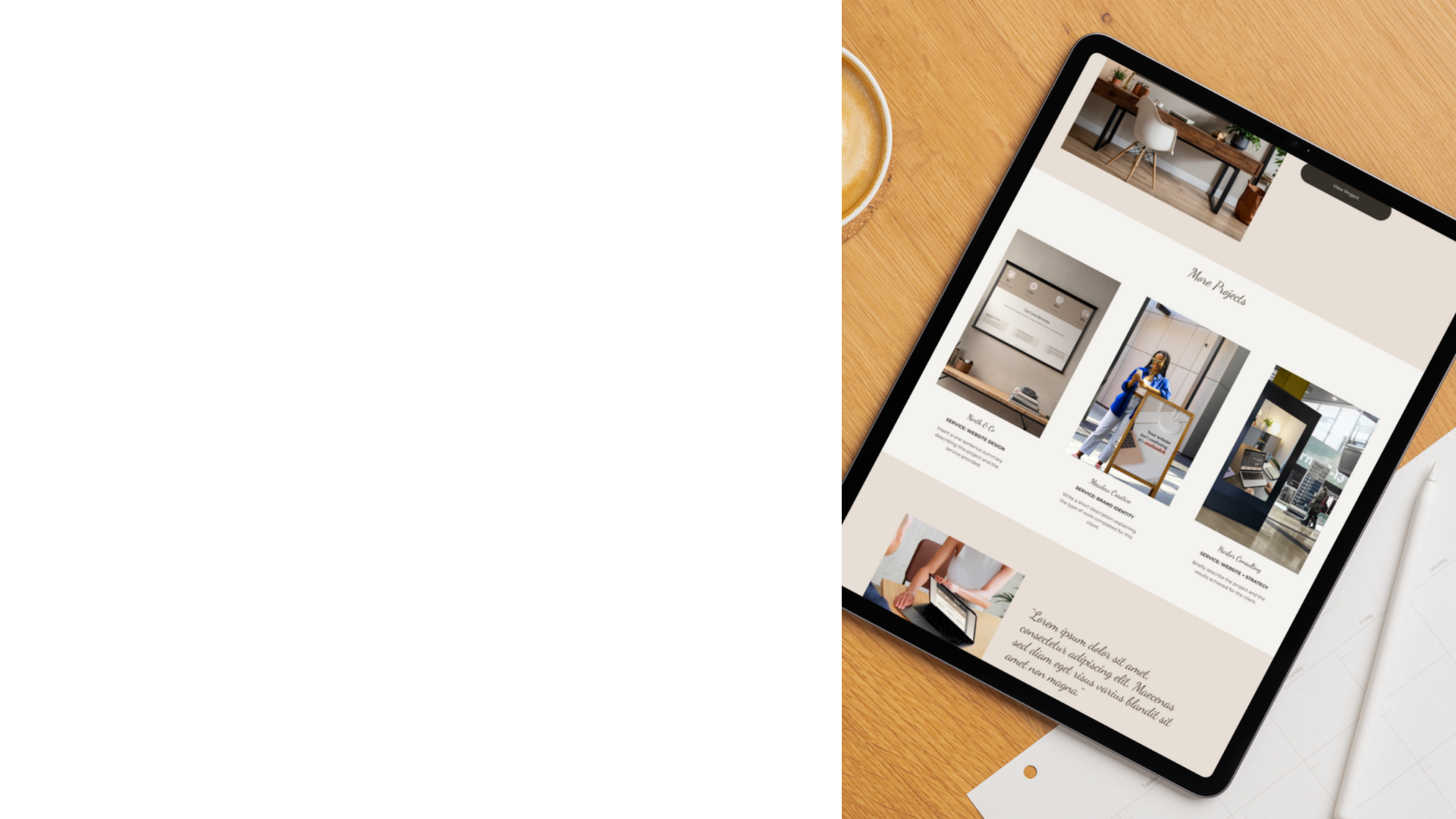
LAUNCH A WEBSITE YOU’RE PROUD OF.
Squarespace Templates for Service-Based Brands
Thoughtfully designed Squarespace templates created to help you launch a polished, professional website without starting from scratch.
Each template includes strategic page layouts, editable graphics and step-by-step guidance so you can build a website that feels clear, elevated and aligned with your brand.
The Reality of DIY Websites
Building your own website can feel overwhelming.
You start with a blank page, choose colours, move sections around, adjust fonts, rewrite the headline, then wonder why it still doesn’t feel quite right.
And hiring a custom designer isn’t always realistic when you’re just getting started.
Snug Ink templates are designed to bridge that gap. Instead of starting from scratch, you begin with a thoughtful website structure that you can customise with your own words, images and brand style.
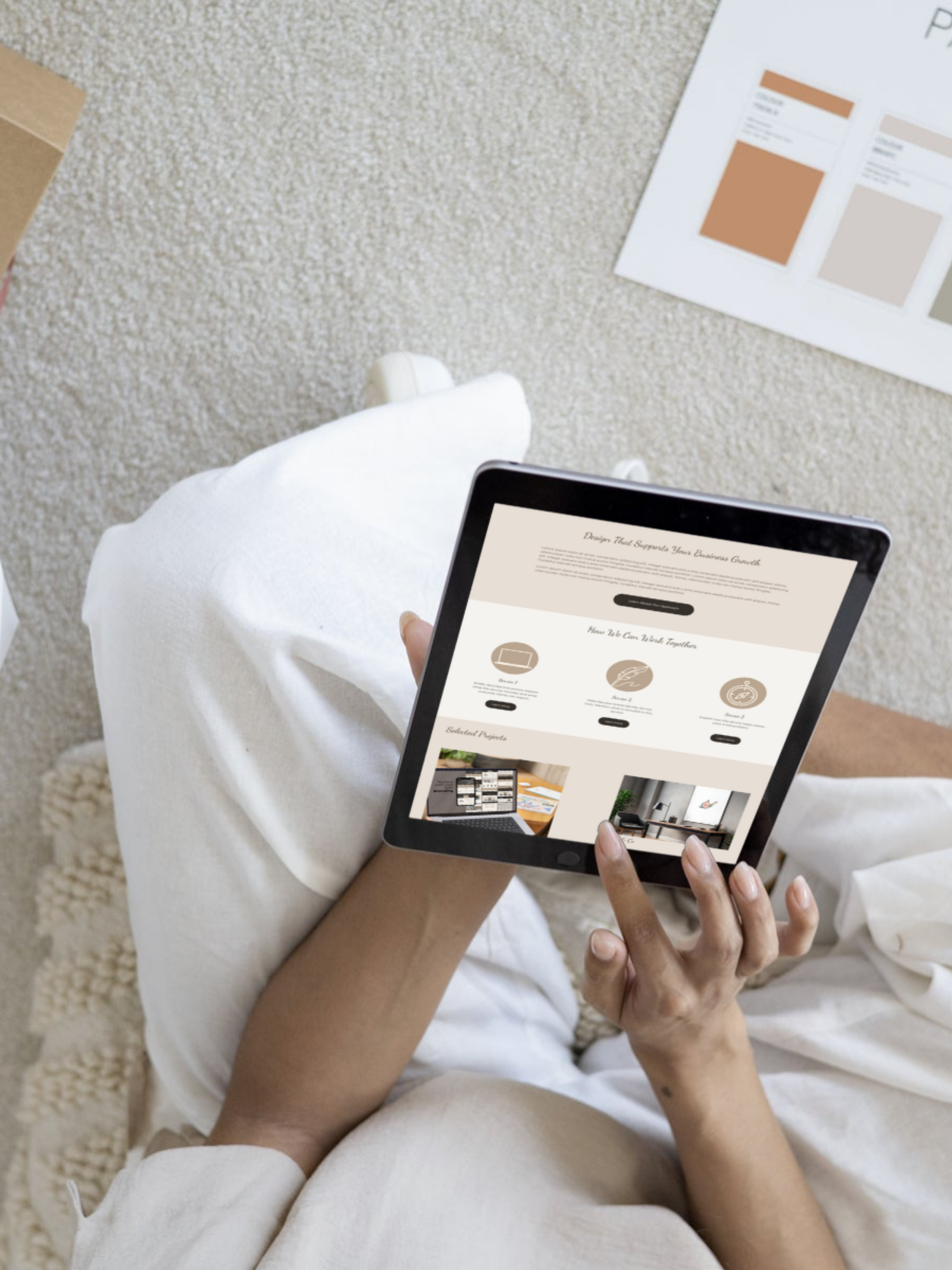
You don’t need coding skills or complicated tools.
You just need a clear starting point.
Each Snug Ink template gives you a professionally designed structure to help you organise your content, present your services and create a website that feels cohesive from the beginning.
Think of it as starting your website with the layout, flow and polish already in place — so you can focus on making it your own.
A Better Way to Build Your Website
How It Works
-
1. Choose Your Template
Browse the available designs and choose the one that fits your brand and business.
-
2. Install The Template
After purchase, you’ll receive instructions to install the template into your Squarespace account.
-
3. Customize The Content
Replace images, update text and adjust colours to match your brand.
-
4. Launch Your Website
Once everything is ready, connect your domain and publish your site.
What’s Included With Every Template

Professionally Designed Pages
Start with a complete website structure rather than a blank canvas.

Reusable Section Library
Duplicate sections and expand your website as your business grows.

Step-by-Step Setup Guide
Follow a clear guide that walks you through installing and customising the template.

Beginner-Friendly Layouts
Templates designed so even first-time Squarespace users can customise confidently.

Editable Canva Graphics
Update icons and graphics easily using the included Canva files.

Website Copywriting Workbook
Plan your messaging and write your website content with clarity.

Start With Willow
Willow
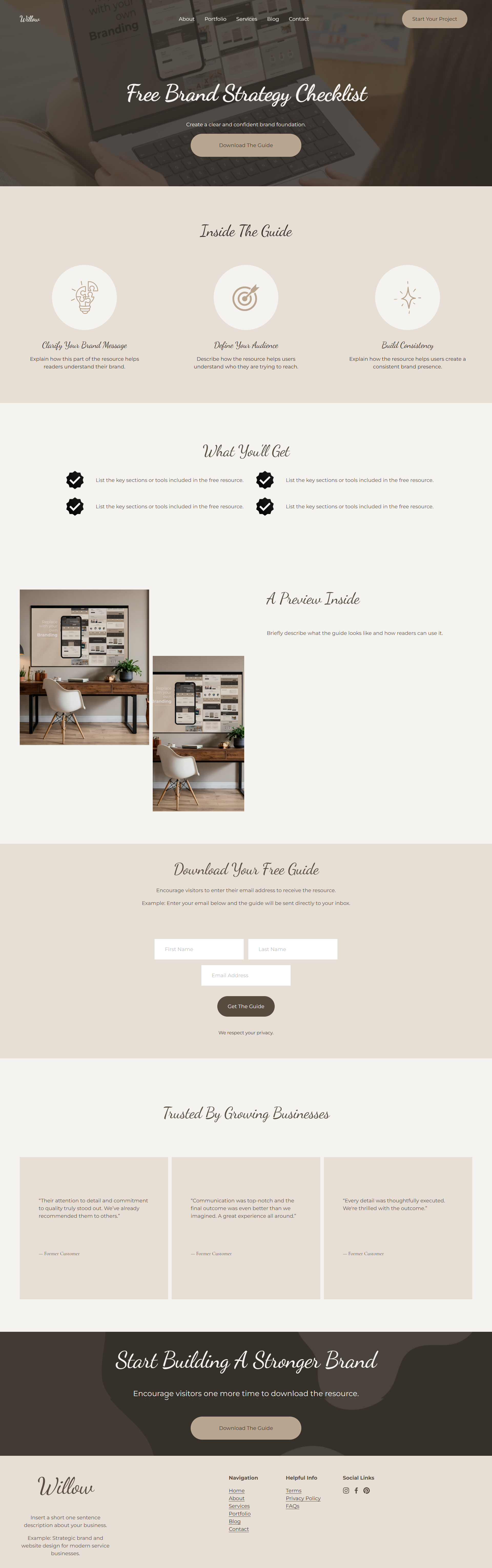
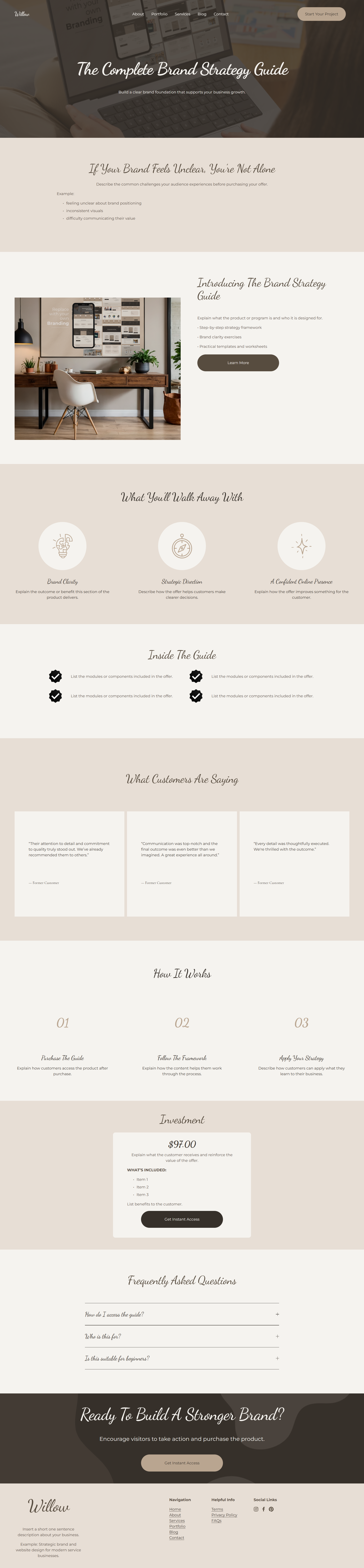
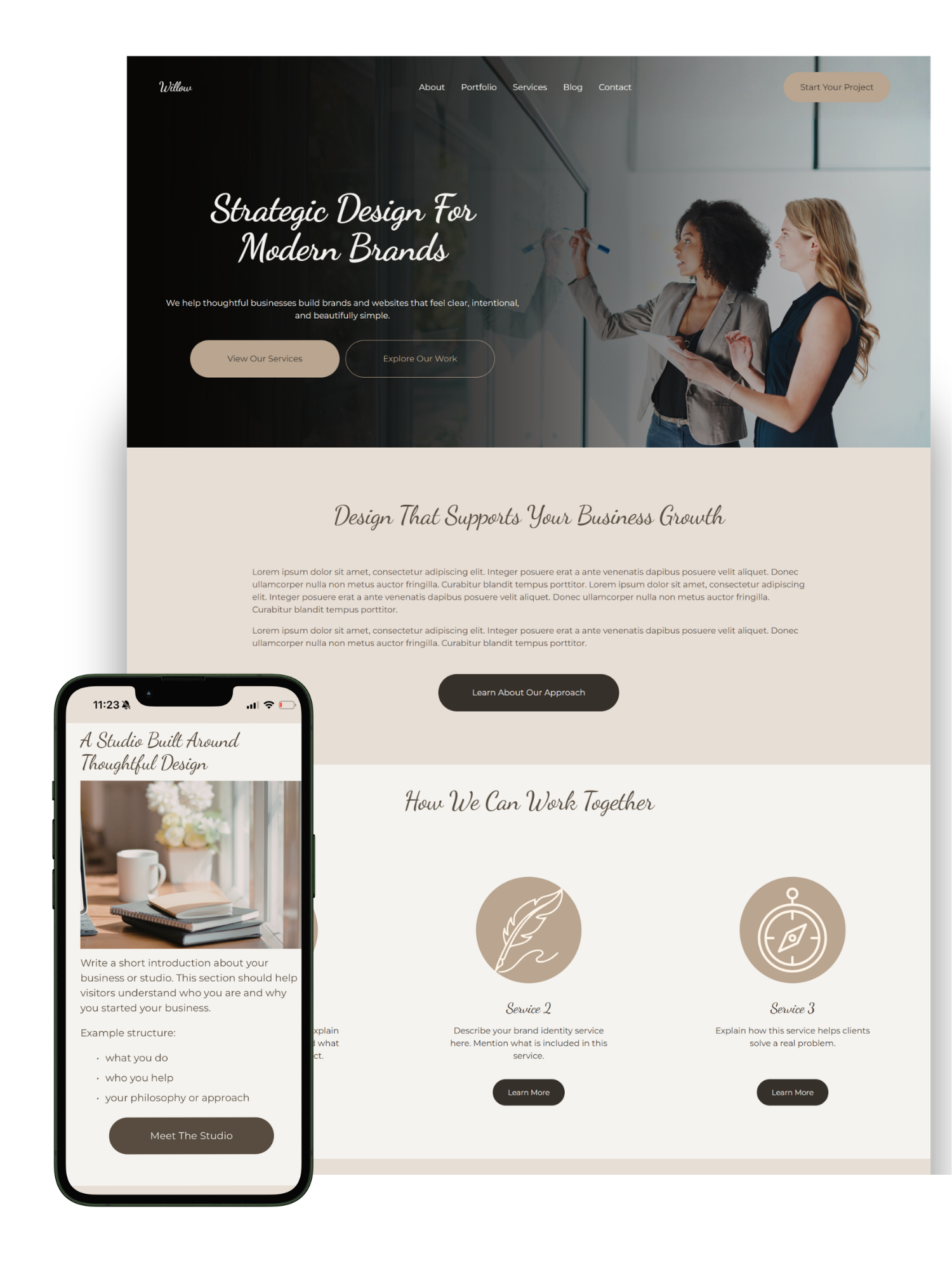
Willow is a modern Squarespace website template designed for service-based businesses who want a clean, strategic online presence.
Includes fully designed pages, reusable sections and editable Canva graphics to help you launch your website quickly.
Frequently Asked Questions
-
After purchasing a template you will receive instructions for installing it into your Squarespace account.
The template is transferred to your account as a new website, allowing you to customise it with your own content, images and branding.
-
No coding experience is required.
All templates are designed to be edited using Squarespace’s visual editor, allowing you to change text, images, colours and layouts directly within the platform.
-
All Snug Ink templates are designed for Squarespace 7.1 using Fluid Engine.
This allows you to easily customise layouts and adjust content blocks within the editor.
-
Yes.
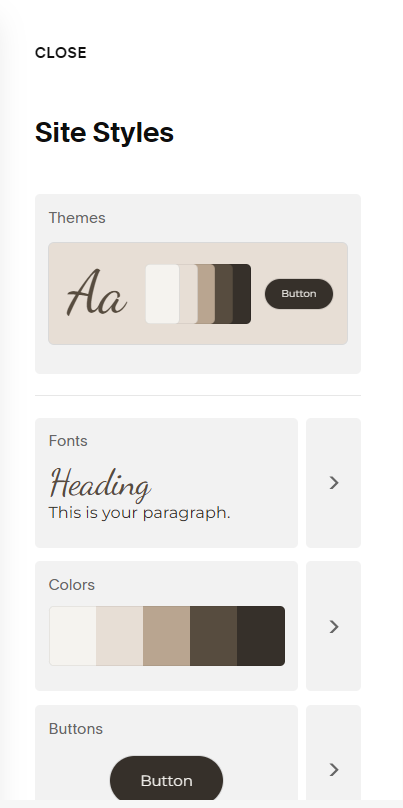
You can change colours, fonts and styling within Squarespace’s site styles panel to match your brand.
The template simply provides the design structure — all styling can be customised.
-
Each template includes a full website structure, typically including pages such as:
Homepage
About
Services
Portfolio or Projects
Blog
Contact
Some templates may include additional pages depending on the design.
-
You can still use the template.
The template is installed as a new website in your Squarespace account. You can then copy your content across from your existing site if needed.
-
Yes.
You can add new pages or duplicate existing pages at any time. The template simply provides a starting structure that you can expand as your business grows.
-
Yes.
All templates are designed to be responsive and will automatically adjust for mobile and tablet devices.
However, you may wish to make small layout adjustments in Squarespace to optimise the mobile experience.
-
You will need an active Squarespace subscription to host your website.
All other resources required to customise the template are included with your purchase.
-
Yes.
Squarespace allows you to add additional features such as blogs or online stores if needed.
-
Due to the digital nature of templates, all purchases are final and non-refundable.
If you have questions before purchasing, feel free to reach out.
-
Yes.
Each template includes a live demo so you can explore the layout and pages before purchasing.
This allows you to see exactly how the template works and whether it suits your business.
-
Yes.
The templates are fully editable using Squarespace’s Fluid Engine editor.
You can move blocks, add new sections or remove sections depending on your needs.
-
Your purchase includes:
The website template
A step-by-step setup guide
A website copywriting workbook
Canva graphic files for editing visual elements
AI prompt resources for writing website content
These resources are designed to help you customise and launch your website with confidence.
-
This depends on how prepared your content is.
Many customers are able to customise their template within a few days once they have their images and text ready.
-
The graphics included with the template are editable using Canva.
You will receive links to the Canva files so you can update colours, images or text if desired.
-
Each template purchase includes a single-use license.
This means the template can be used for one website only. If you would like to use the template for multiple projects, additional licenses must be purchased.
-
Yes.
Designers may purchase templates for client projects. However, a separate license must be purchased for each website the template is used on.
-
No — and that’s a good thing.
The demo website simply shows how the template layout works. Once you replace the images, text and colours with your own branding, the final website will reflect your business.
-
Yes.
If you encounter any issues installing the template or accessing the included resources, you can contact support and we will assist you.
-
Snug Ink primarily focuses on providing templates and resources for DIY website creation.
However, if you are wanting site setup services, you can view our pricing here.
-
Yes.
The templates are built with clean page structures and heading hierarchy, which supports good SEO practices.
However, search rankings will ultimately depend on your content and SEO strategy.
-
That’s completely okay.
The templates are designed for beginners and include a setup guide that walks you through the process step-by-step.
Many customers launch their websites even without prior Squarespace experience.
-
No.
The template provides the structure and layout, but once you replace the images, colours, fonts and content with your own branding, the final website will reflect your business.
Even when two people use the same template, their websites typically look very different once customised.
-
That’s completely normal.
You can install the template first and then gradually replace the demo content with your own.
The included copywriting workbook and resources are designed to help you plan your website content if you’re not sure where to start.

Find the Template That Fits Your Business
Explore Snug Ink website templates designed to help you launch a polished, professional site without building from scratch.
Willow Pricing Page add-on for the Willow Squarespace template.
View Demo